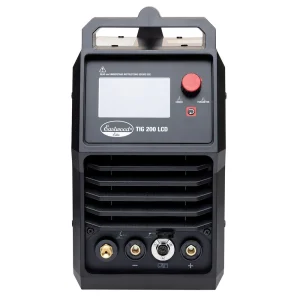
Availability: 5 in stock
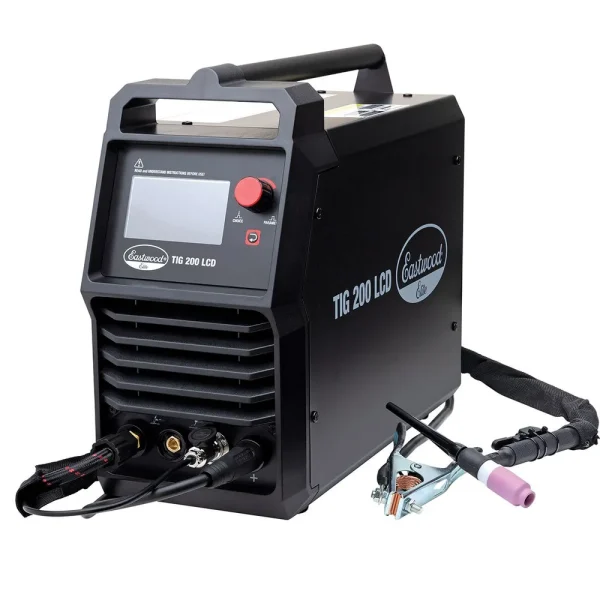
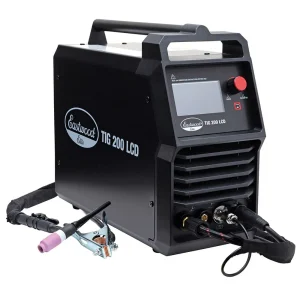
Set it and forget it. With its digital interface and the ability to store up to 5 pre-set programs, the Eastwood Elite TIG 200 Digital Welder lets you intuitively dial in precise values for all your welding settings. The Eastwood-exclusive color LCD screen is easy to use and navigate quickly with no need to remember confusing symbols or abbreviations for settings.
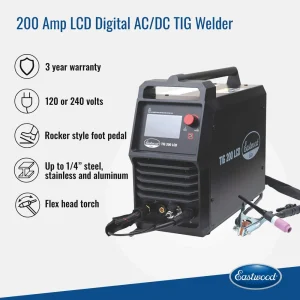
This versatile 200-Amp machine can operate on either 120 or 240 Volts and is capable of both TIG and stick welding on up to 1/4-in. on steel, stainless steel, and aluminum. Taking advantage of the latest inverter technology, it’s a compact and lightweight fully capable of high-quality welds. Superior AC balance and frequency adjustments allow you to dial in precise adjustments for clean aluminum welds.
This TIG 200 Digital also features a pulse function to minimize warpage and blow-through, plus the option of either finger or rocker style foot pedal controls. A flex-head torch with gas lens kit (often expensive upgrades on other units) come standard with this machine for the best welds.
All this adds up to a superior TIG welding machine with professional features at an unbelievable value. And it’s all backed up by Eastwood’s 3-year warranty and lifetime tech support.
Eastwood Elite TIG 200 Digital AC/DC Features:
Duty Cycle
The rated Duty Cycle refers to the amount of welding that can be done within an amount of time. The Eastwood Elite TIG 200 LCD has a duty cycle of 20% at 200 Amps. It is easiest to look at your welding time in blocks of 10 Minutes and the Duty Cycle being a percentage of that 10 Minutes. If welding at 200 Amps with a 20% Duty Cycle, within a 10 Minute block of time you can weld for 2 Minutes, with 8 Minutes of cooling for the Welder. If the Duty Cycle is exceeded, the Welder will automatically shut off, however the fan will continue running to cool the internal components. When a safe temperature has been reached, the Welder will automatically switch the Welder output back on. To increase the duty cycle you can turn down the Amperage Output control.